
A New Dashboard
When you log in, you now land on a dashboard that shows how your organization is using Mailcatcher. Cards at the top show how many emails you've caught (and how many came in over the last 7 days), how many projects you have, how much of your storage you're using, and how many people are on your team.
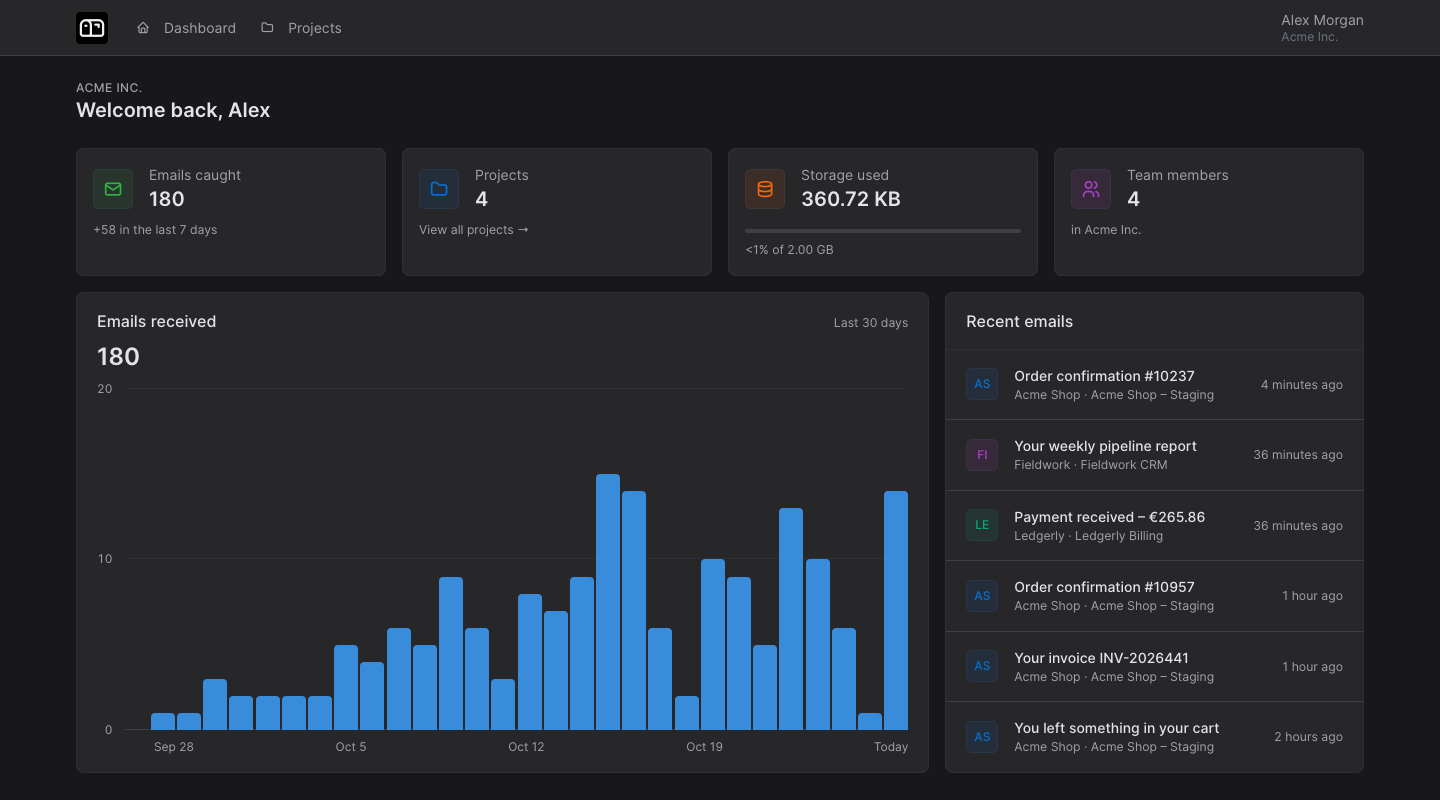
Below the cards, a chart shows how many emails you received each day over the last 30 days, and a list of the most recent emails across all your projects shows what has arrived lately.
We've also slightly modernized the color scheme across the app. Nothing has moved; it just looks a little fresher.