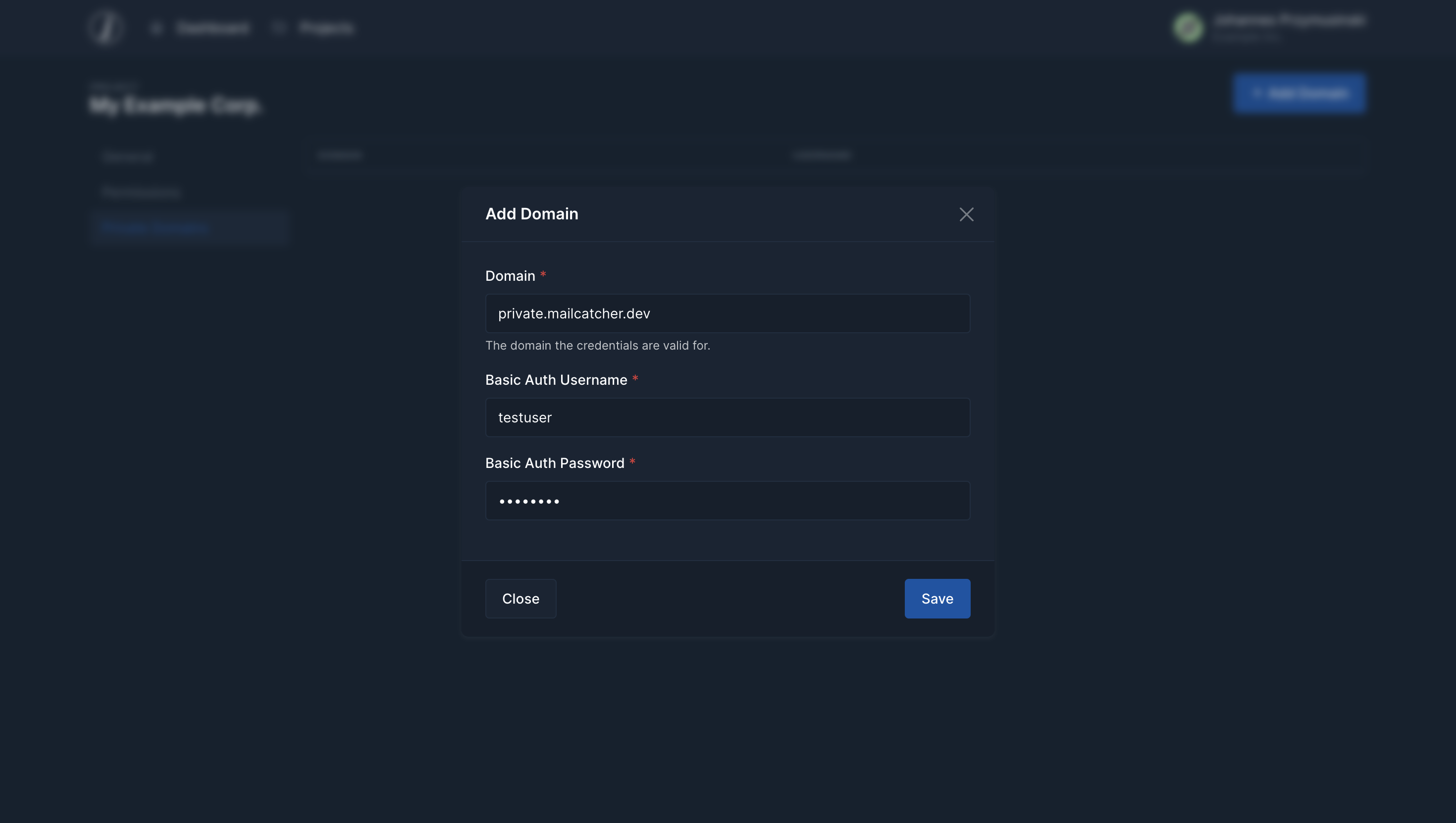
Edit Projects
Tenant administrators can edit projects using the "edit" buttpn in the project list.
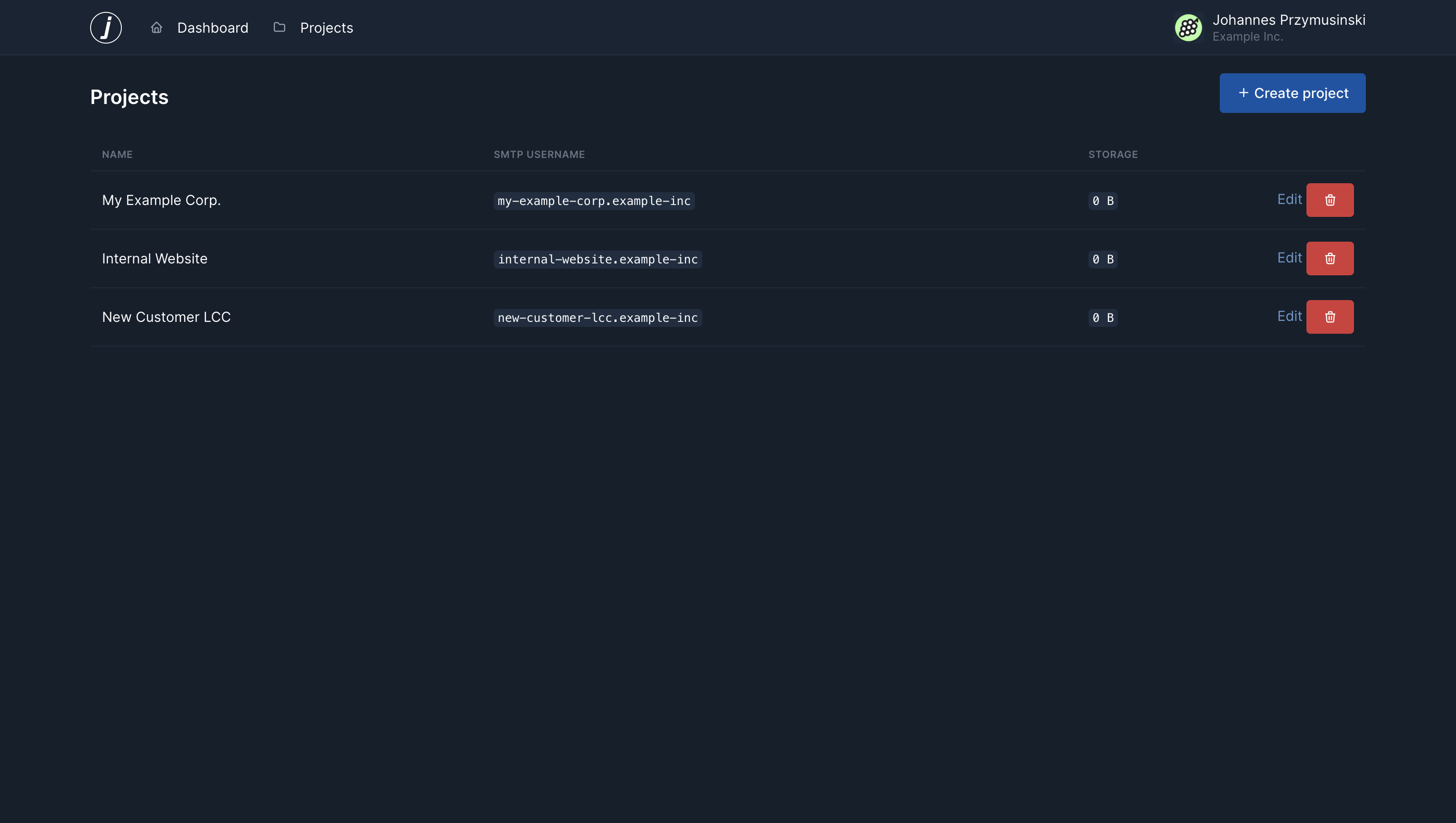
The project settings page is divided into the following sections
General
In the General section you can edit the project name, slug and SMTP password.
When you leave the SMTP password field empty, the SMTP password will not be updated.
Permissions
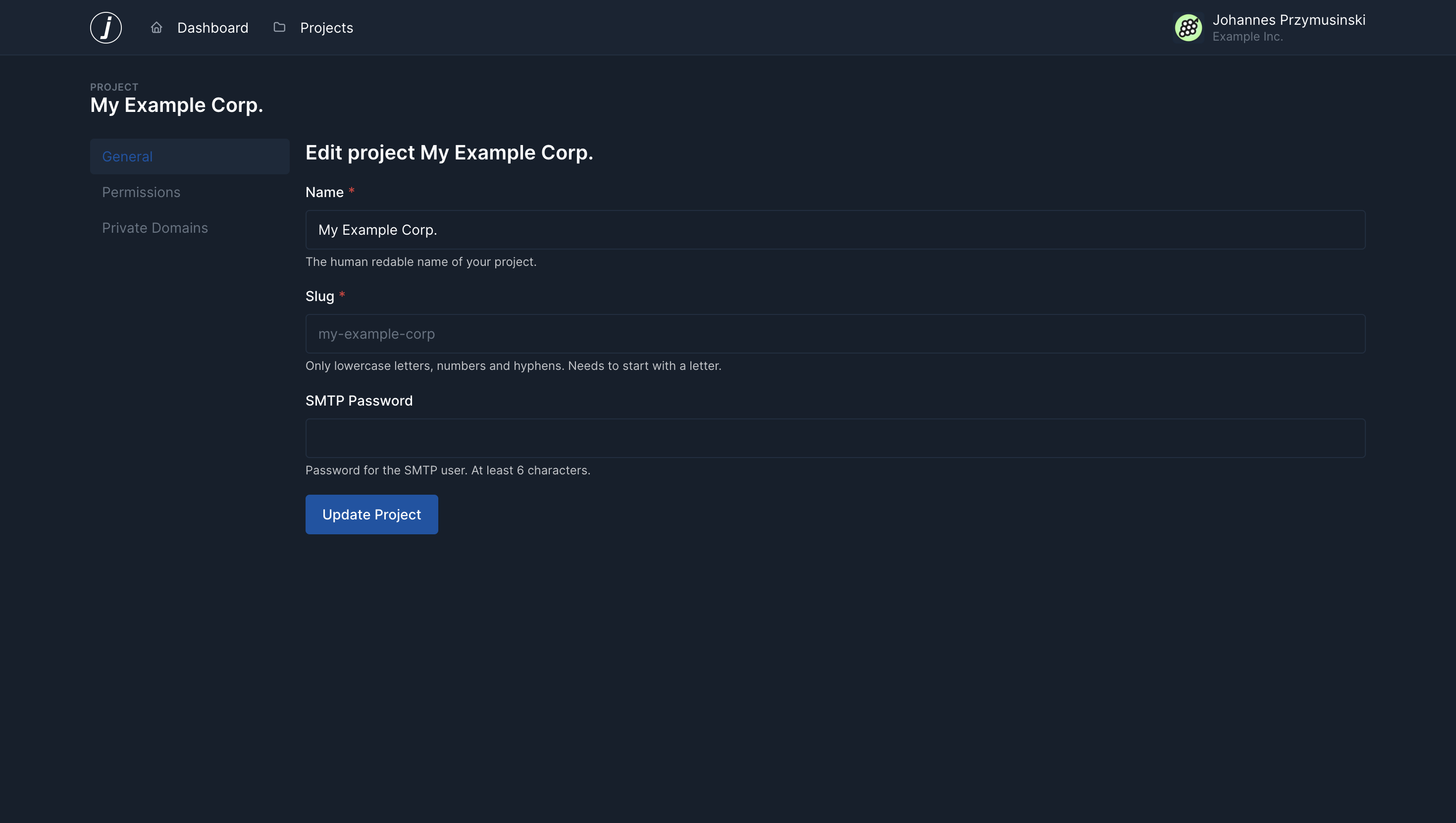
In the permissions section you get a full list of all users with a button to change their access right to the project.
Admins by default have access to all projects, which is shown by the "Admin" label. In this example, the Employee has access to the project, while the customer doesn't.
Private Domains
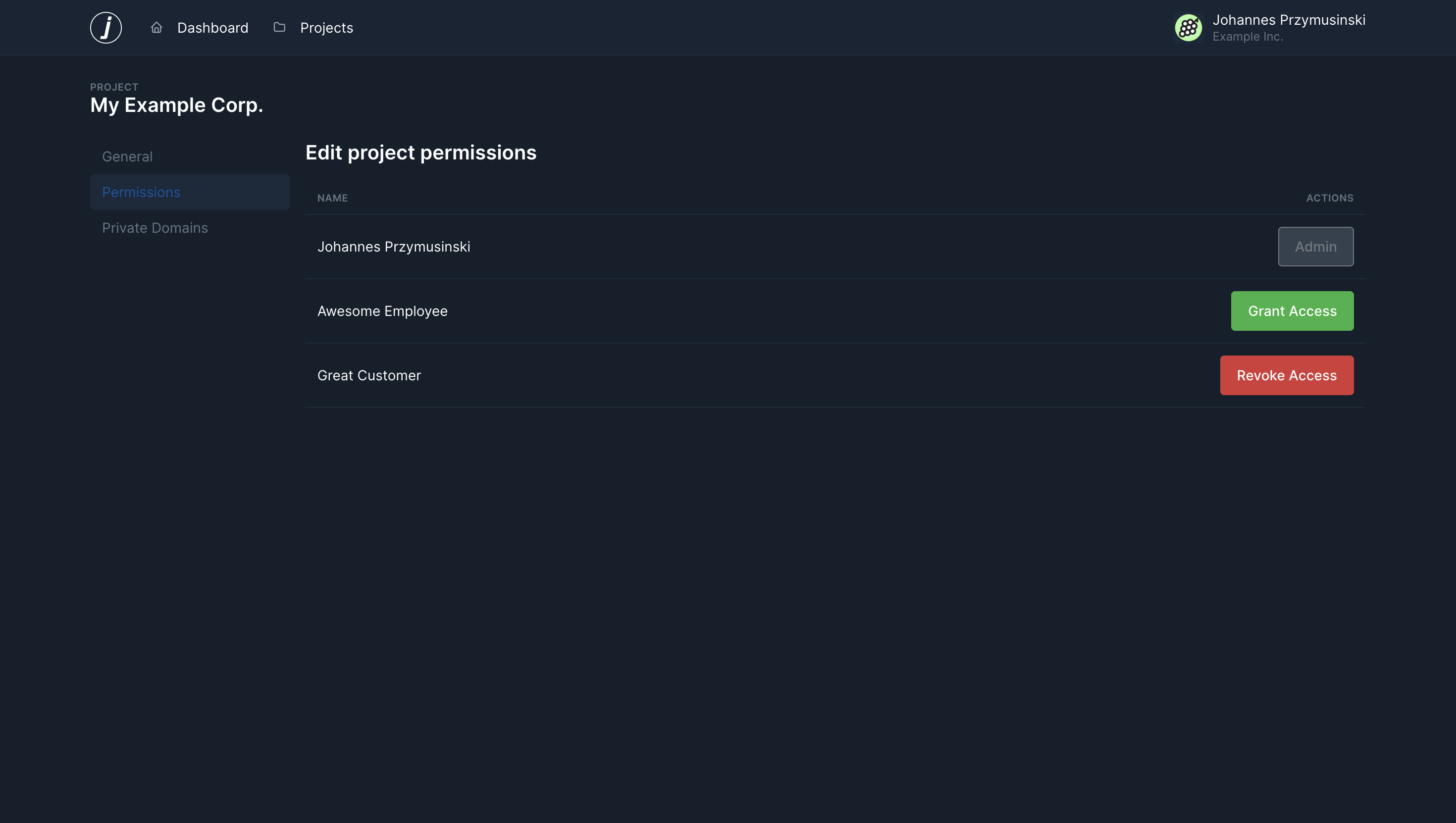
Mailcatcher support you passing Basic Auth credentials for some domains to access assets from those domains. This is usefull when your project is locked behind Basic Auth and you add links to you assets in the emails you send.
The overview page will show you a known list of domains and corresponding usernames but keeping the passwors protected.
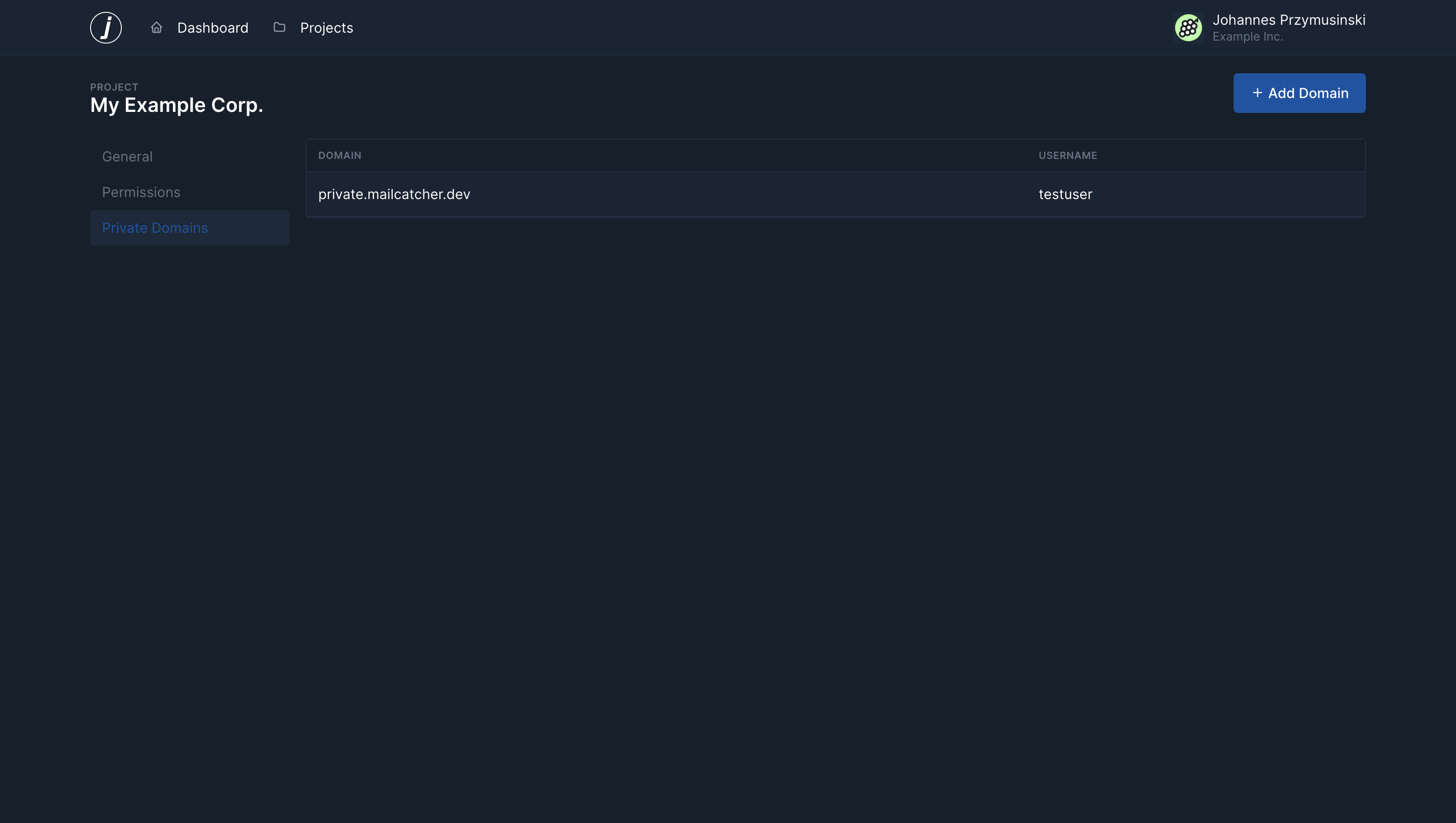
New private domains can be added using the "Add Domain" button.