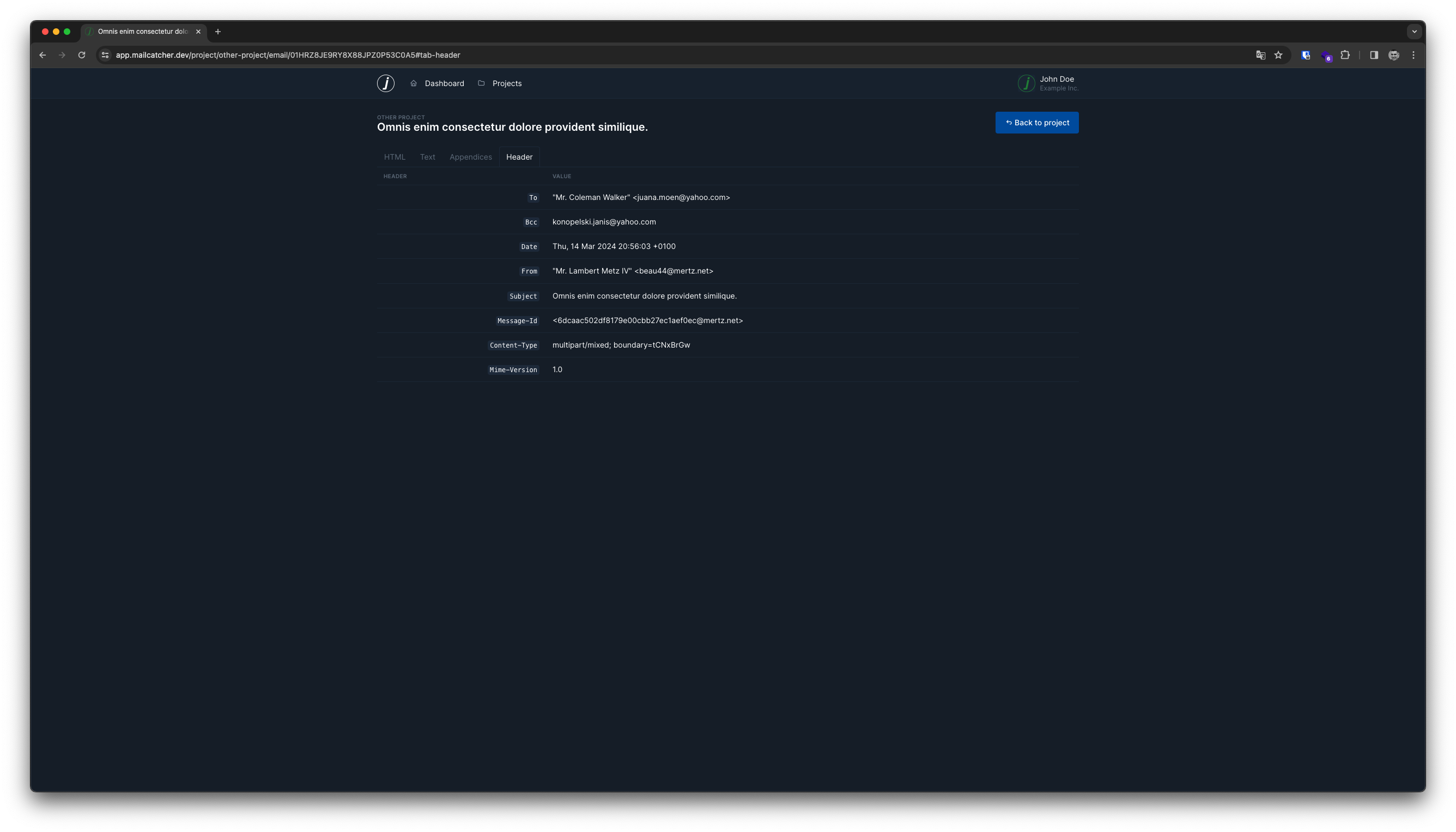
Emails
The Email page shows you all content related to a specific email.
The interface is split in multiple tabs for each important part of the email.
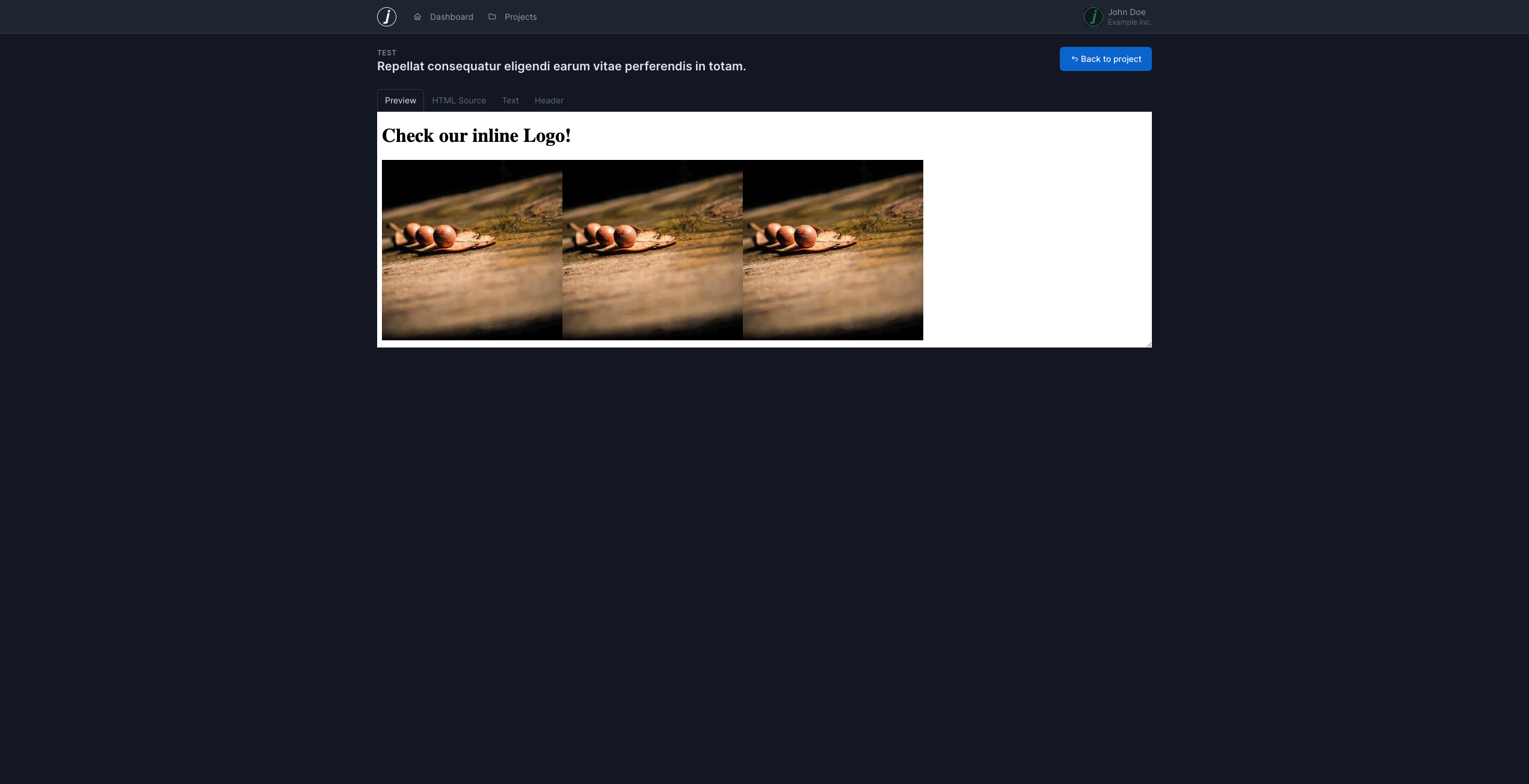
Preview
The main part shows an HTML-rendered version of the email. This is the content that is sent to the recipient.
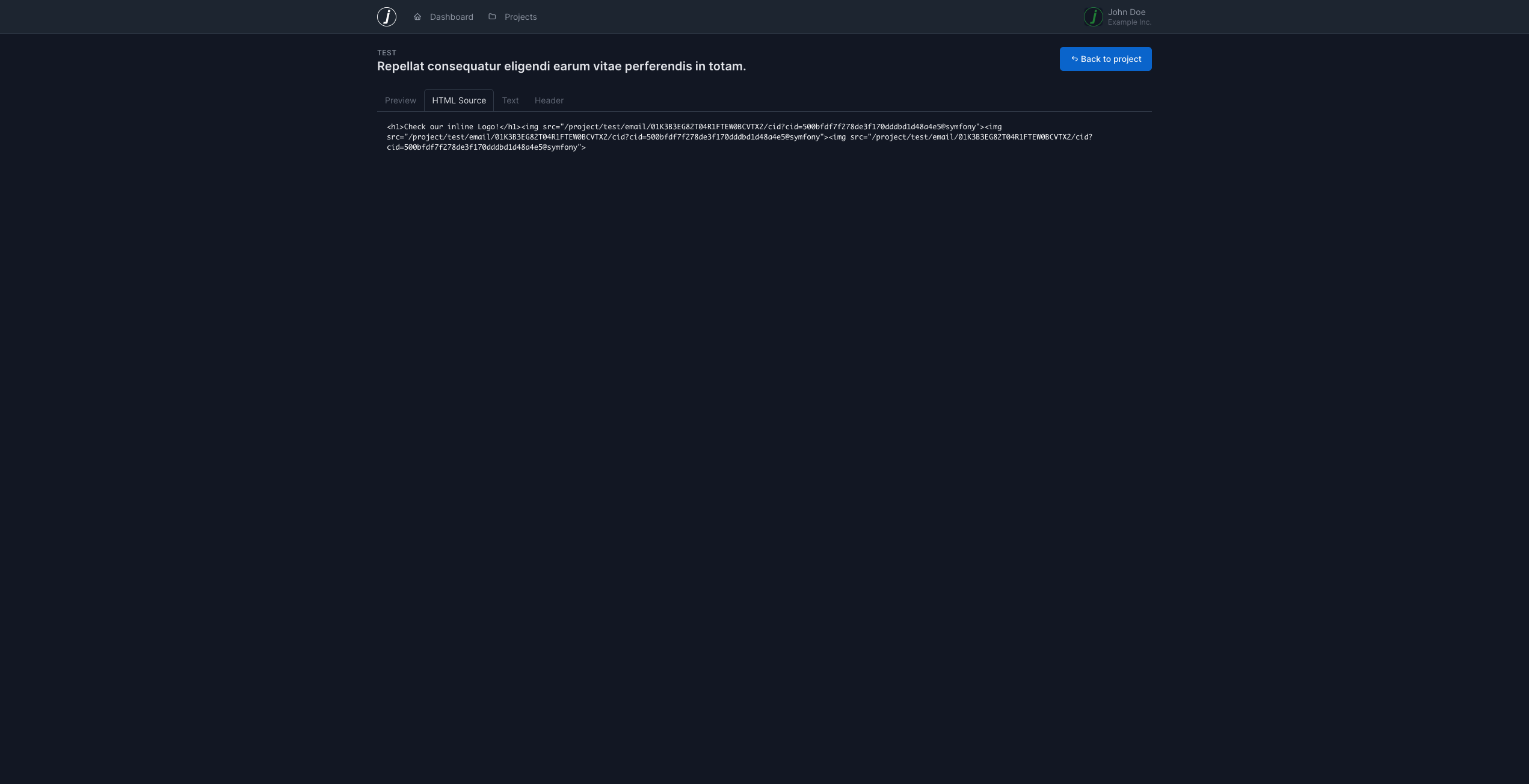
HTML Source
The HTML Source tab shows the raw HTML code of the email. This is useful for debugging and troubleshooting.
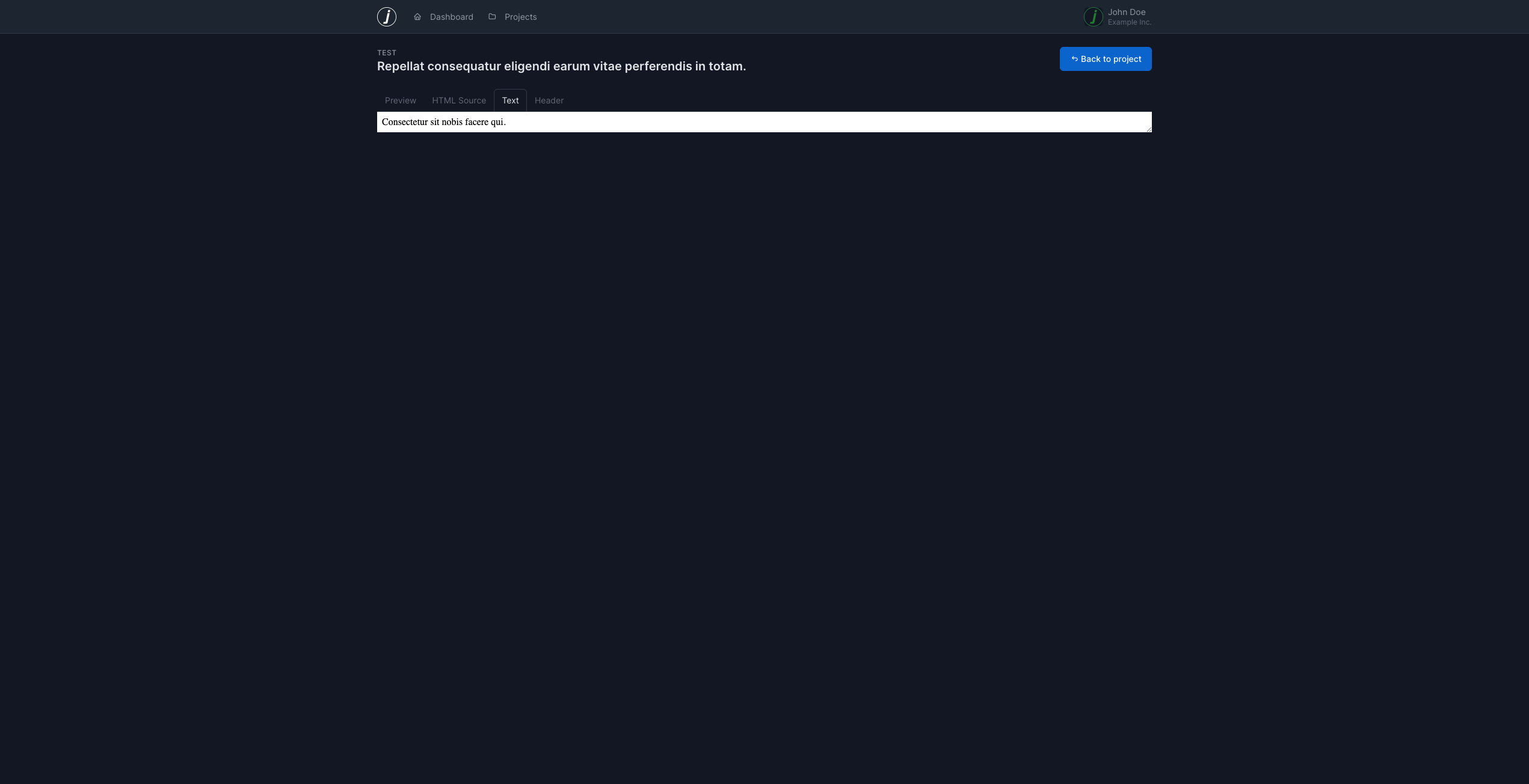
Text Content
The text tab shows the plain text version of the email. This is the content that is sent to the recipient if they can’t receive HTML emails.
Appendices
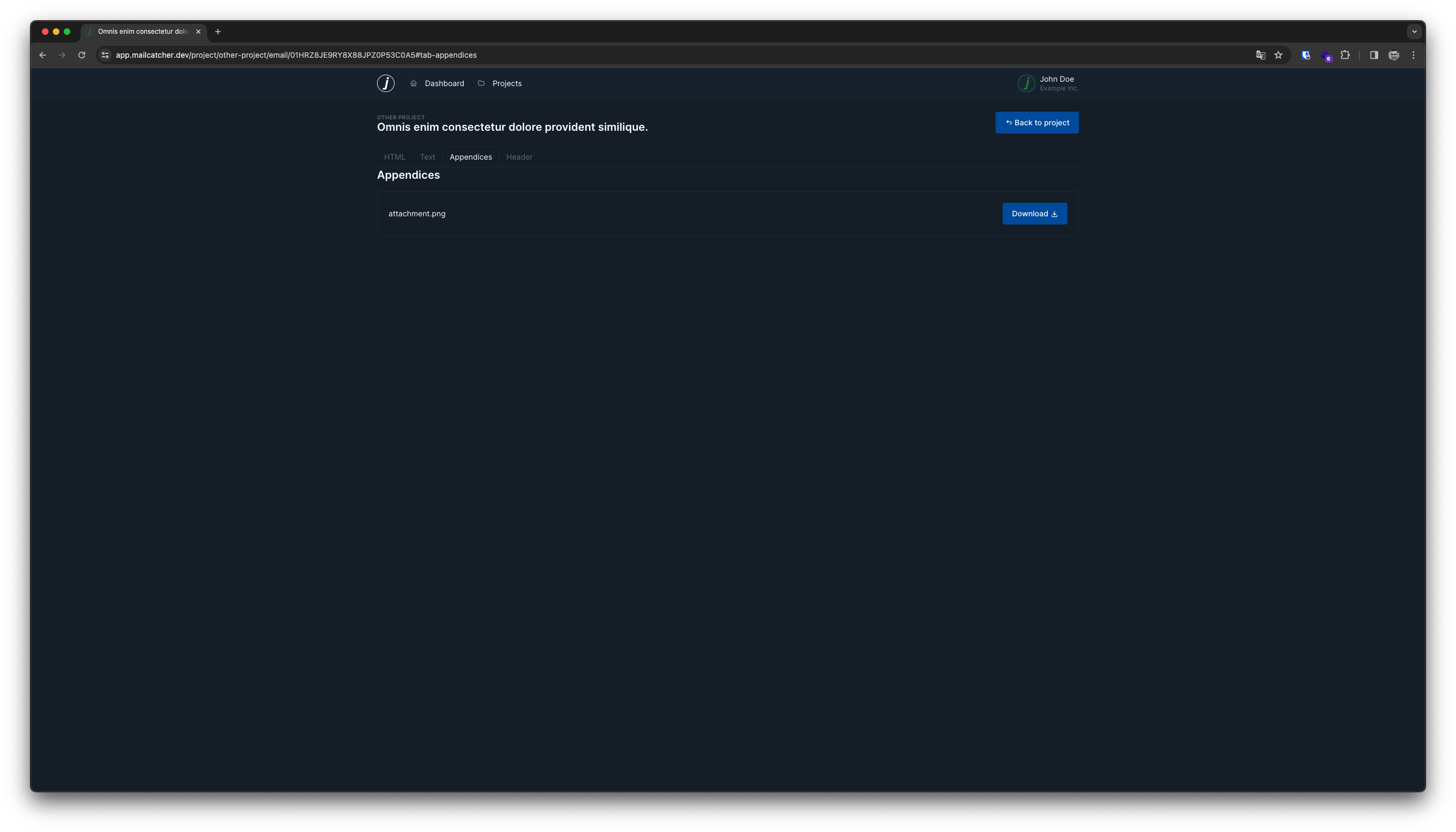
The appendices tab shows all attachments of an email, listed by their filename. The list also provides a link to download the file.
Headers
The last tab shows all headers send with the email. This is useful for debugging and troubleshooting.
It also shows a special header Bcc which is not included in the email, we use it to show you all BCC recipients.