Integrate
Wordpress
How to configure Wordpress to use Mailcatcher as SMTP server.
The easiest way to integrate Mailcatcher with your Wordpress installation is to use our official Plugin.
Installation
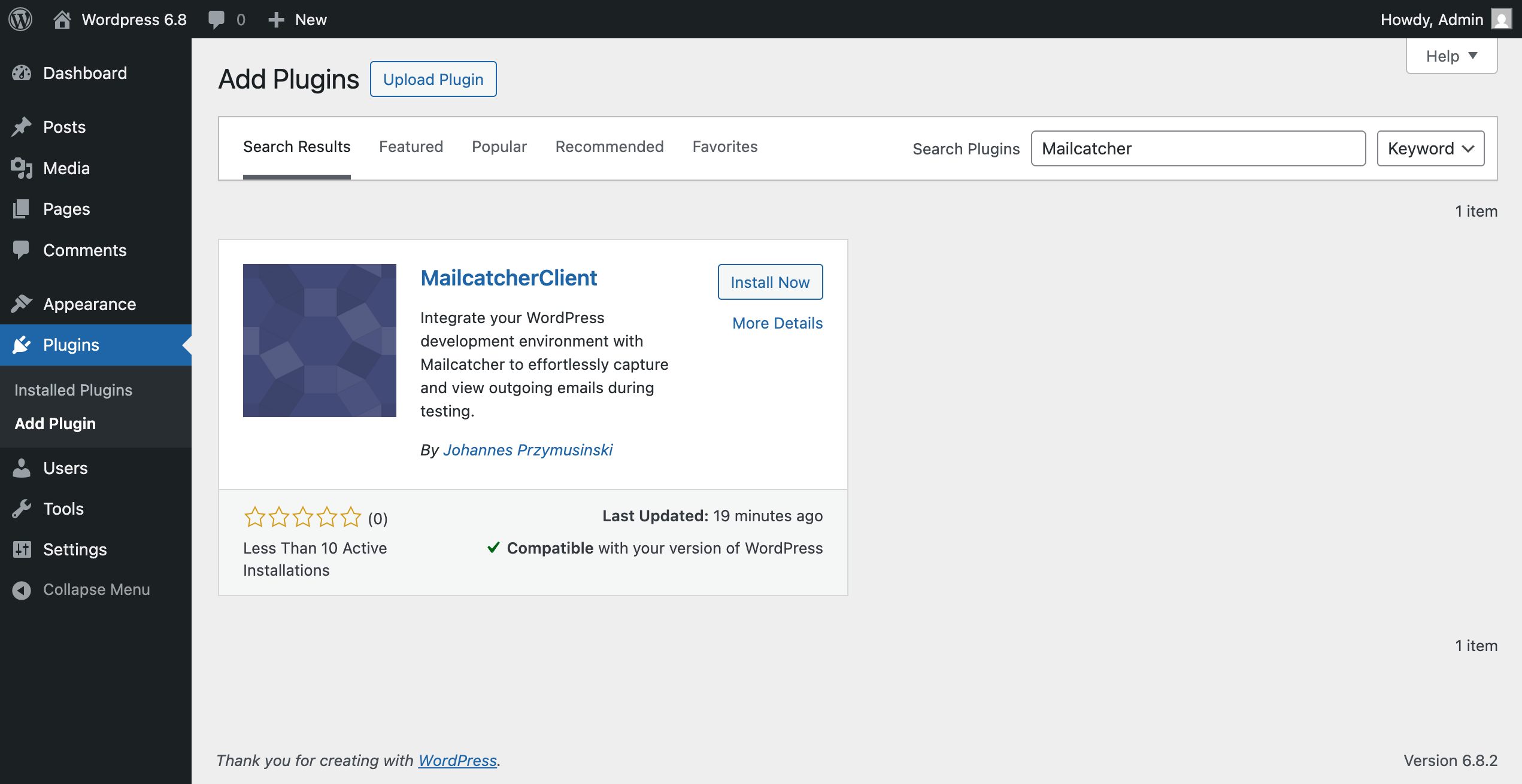
The plugin can be installed directly from the Wordpress plugin directory. Just search for "Mailcatcher Client" and click "Install Now". After installation, make sure to activate the plugin.
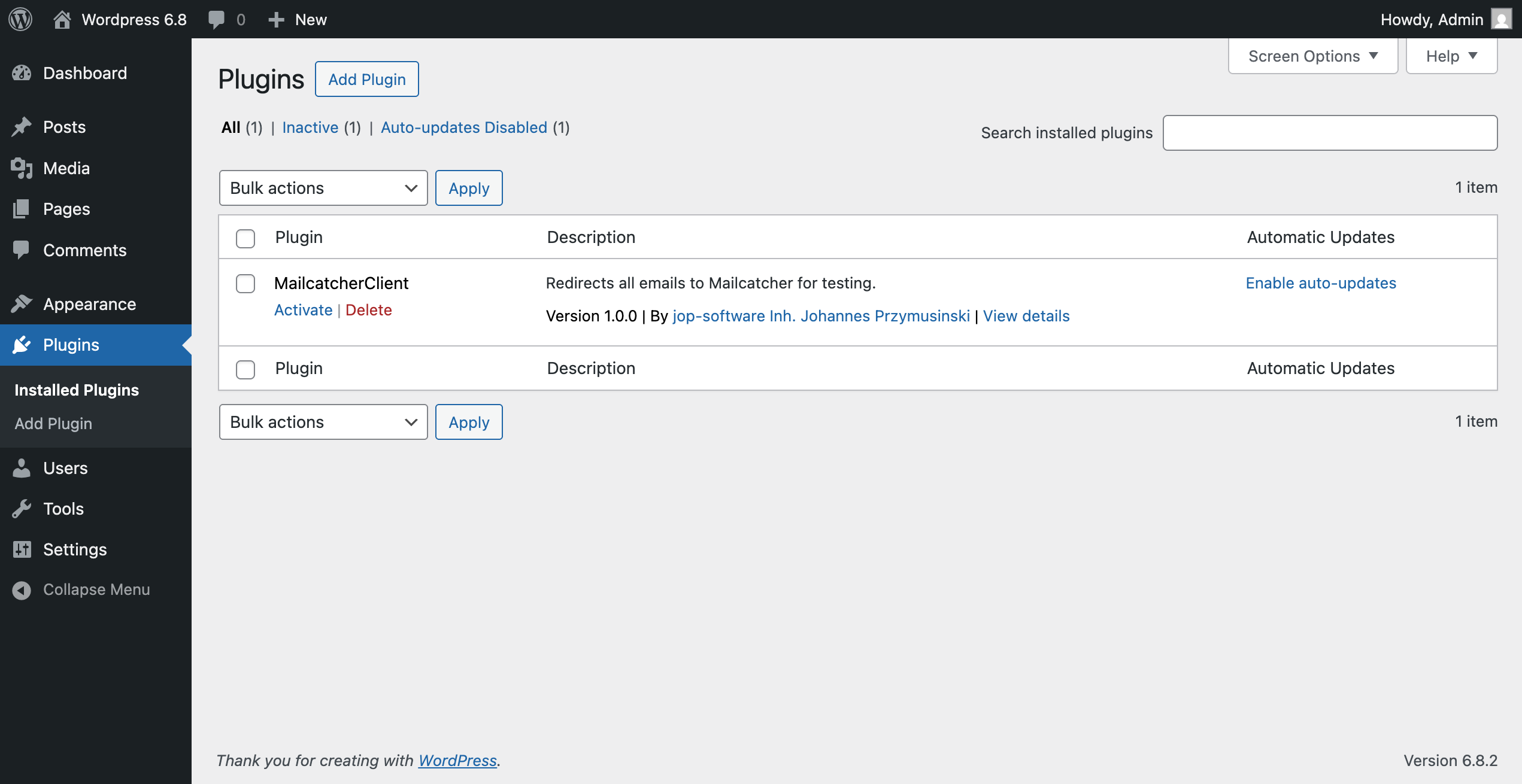
Don't forget to activate the plugin in the Wordpress backend.
Configuration
The configuration of the plugin can be found in your Wodpress backend in "Settings > Mailcatcher".
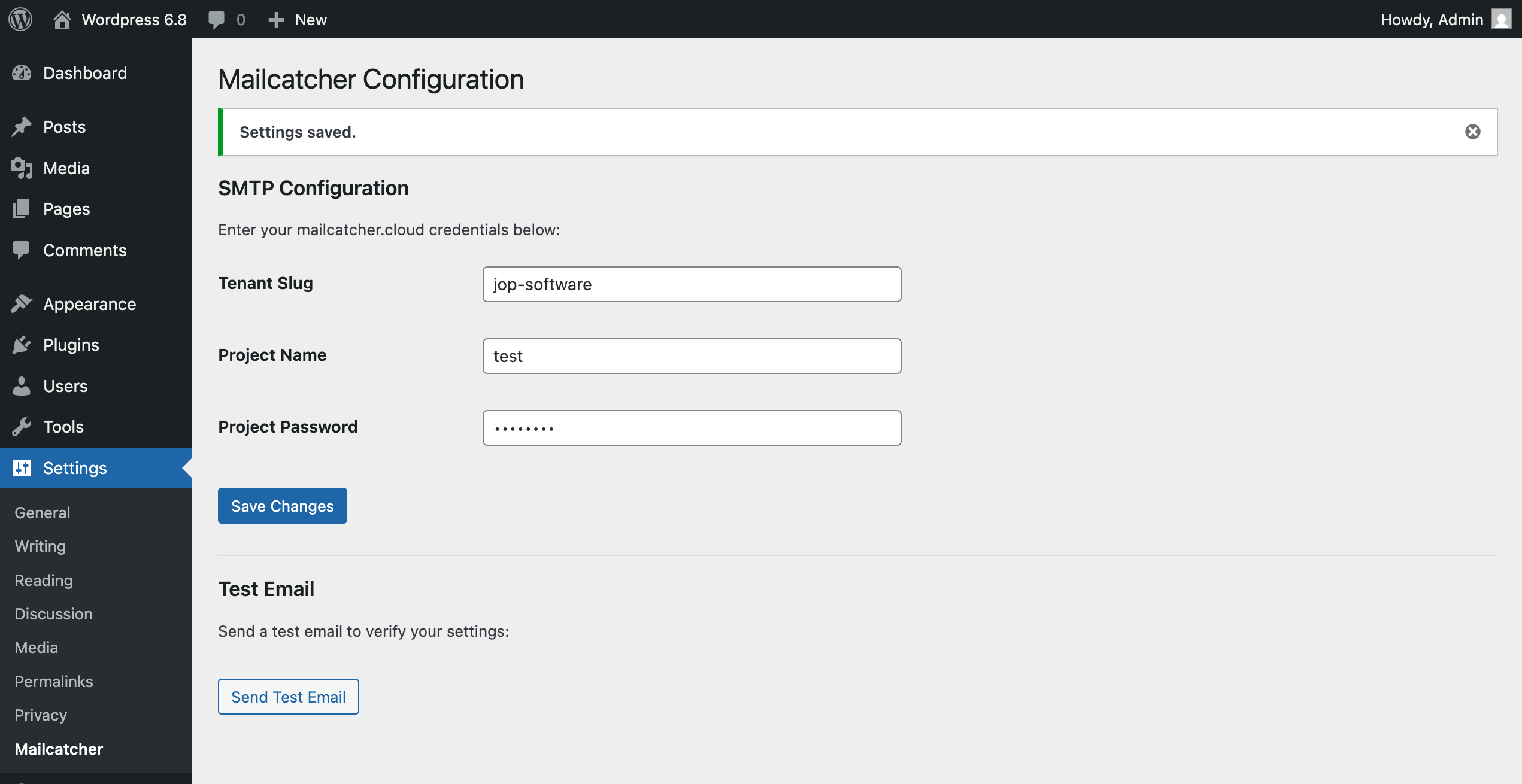
Here you can enter your tenant slug, as well as username and password for the Mailcatcher project you want to use. All those values can be found in the Settings of your Mailcatcher project.
Test the integration
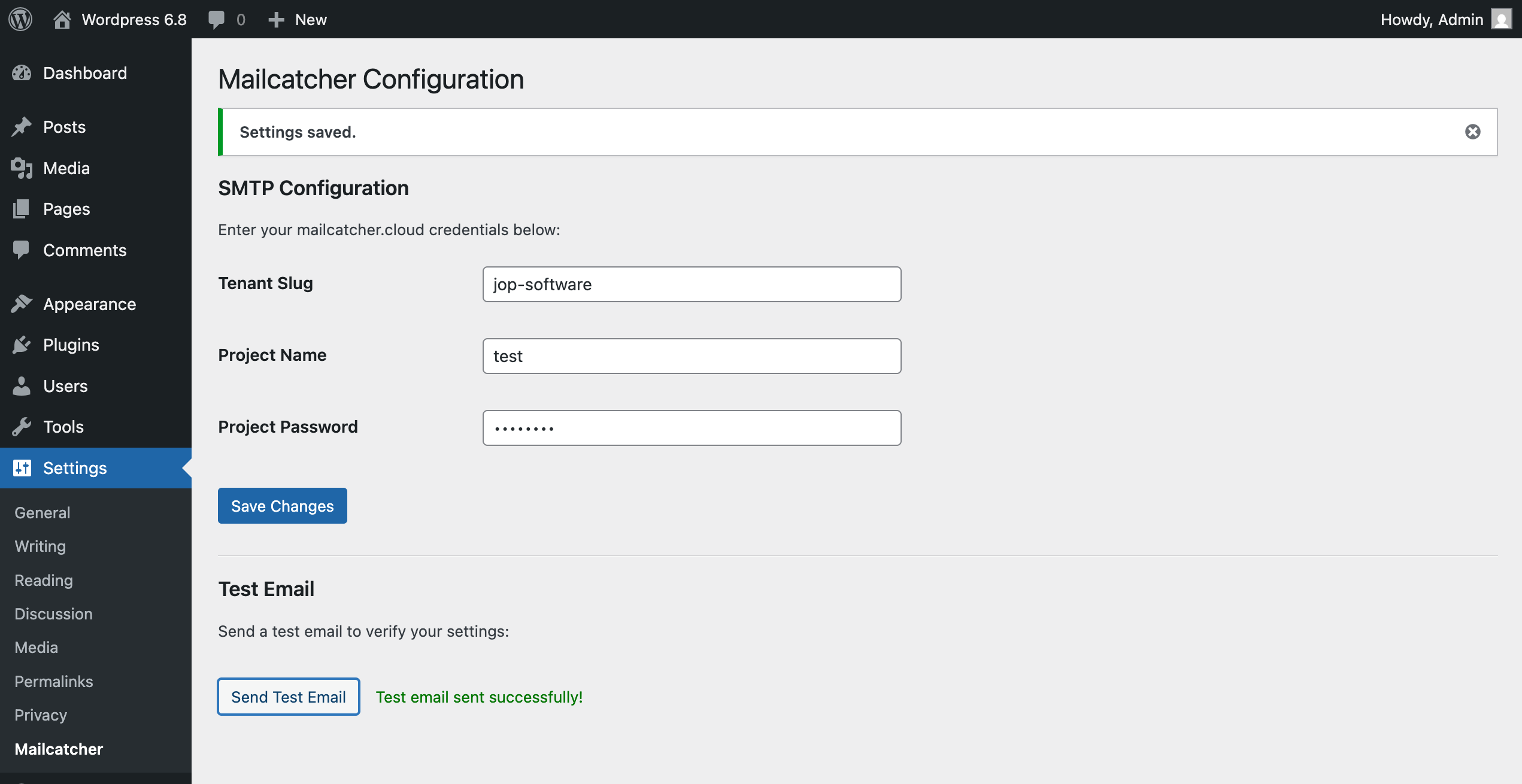
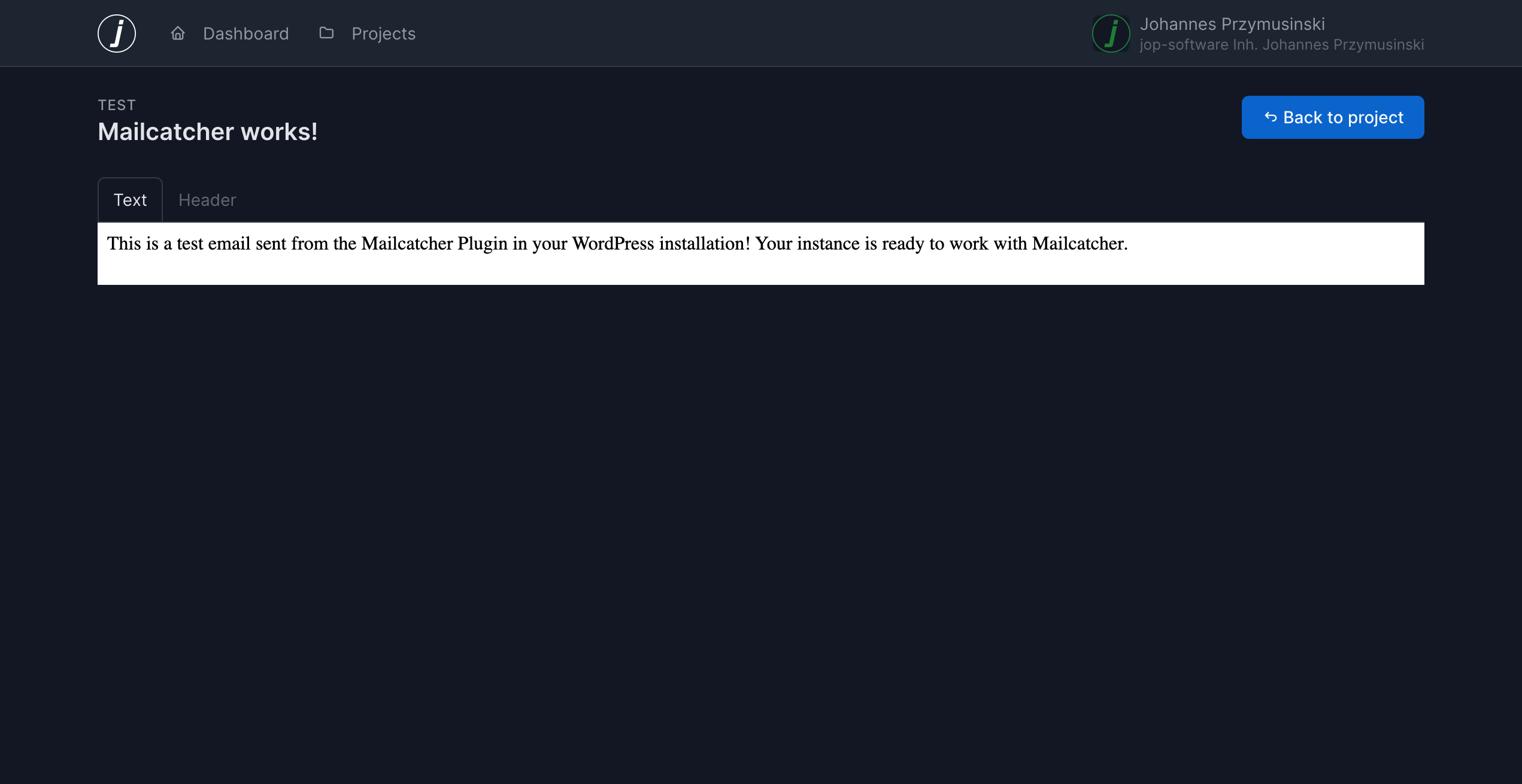
After you’ve enterd your credentials, you can click the “Send Test Email!” button and trigger an email that will be sent to Mailcatcher.